
THE GOTATRACKER APP
Your trackers. On your phone.
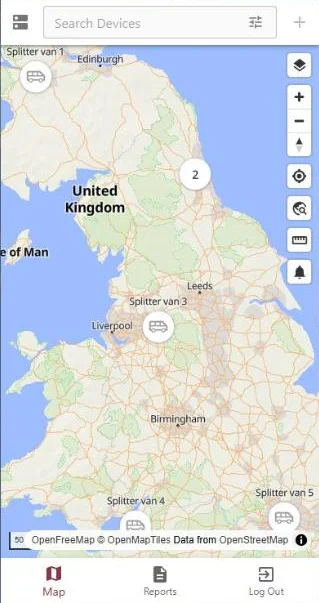
See where each tracker last reported and when, replay a route and get movement alerts. It works today in your phone’s browser. Our own app for iPhone and Android is on the way.
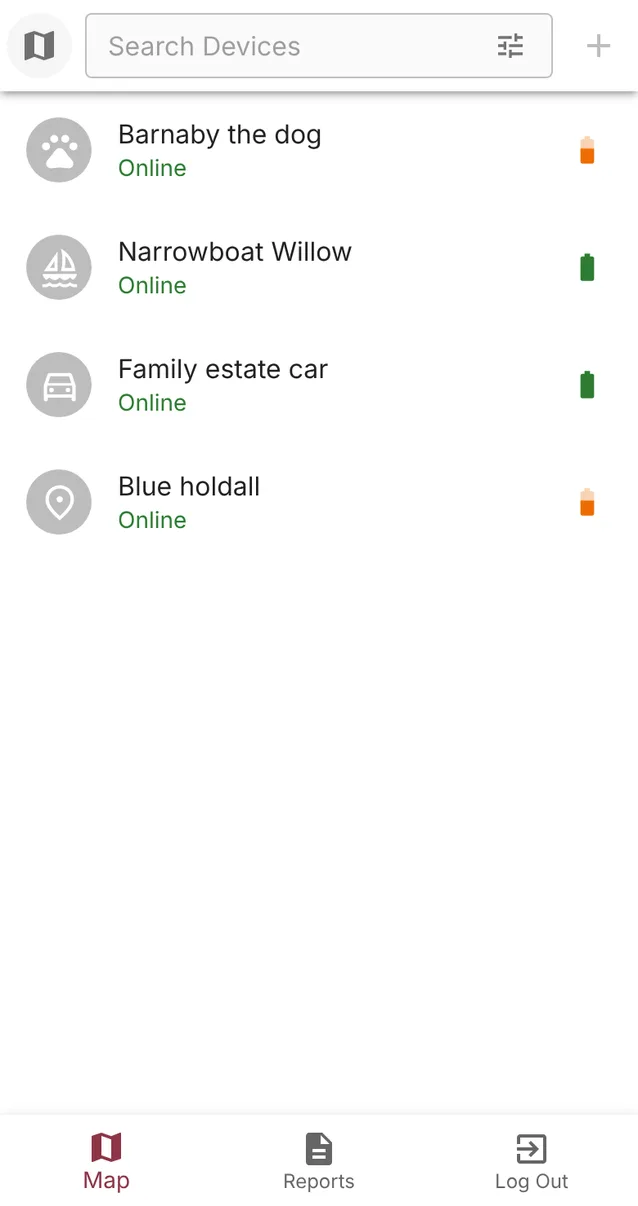
The demo is a made-up household near Ely: a dog, a narrowboat, a car and a holdall. It’s read only, so you can look around but nothing can be changed or sent.
What you can do
- See the last report. Each tracker shows where it last reported, with the time beside it.
- Replay a route. Pick a day and follow where the tracker went, with the speed along the way.
- Get movement alerts. Set the area a tracker should stay in and hear when it leaves.
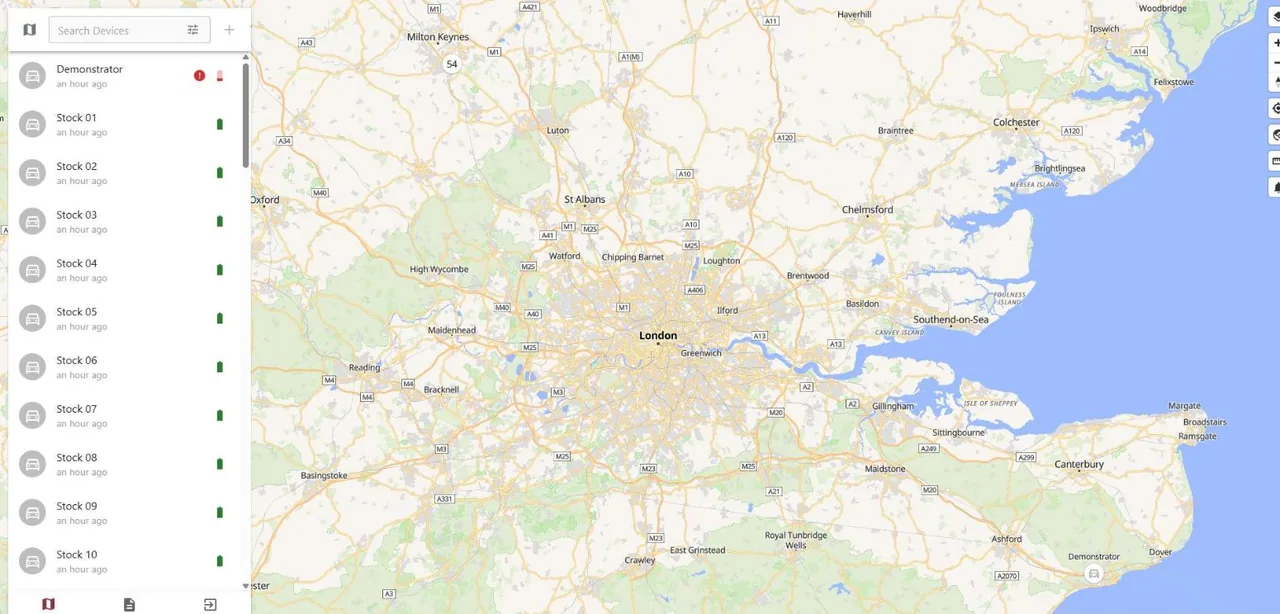
- Check every tracker at once. Cars, vans, bags, dogs and boats in one list.
- UK settings. Speeds in mph and distances in miles.
Use it today
- Open app.gotatracker.com on your phone. Sign in with the details we send when you activate your tracker.
- iPhone: tap Share, then Add to Home Screen.
- Android: tap the menu, then Install app or Add to Home screen.
It opens full screen with the GotATracker icon, like any other app.
COMING SOON
Our own app for iPhone and Android.
We’re building GotATracker apps for the App Store and Google Play. You’ll sign in with the same details, so nothing changes for your trackers. We’ll email customers when they’re ready.
Already have a tracker?
Some trackers from other makers can be moved to the GotATracker app. Tell us the model and we’ll check it before you change anything.
Check my tracker →Good to know
- The app shows the last report your tracker sent. A newer contact isn’t always a newer position, so check the time beside each one.
- Reports depend on mobile coverage, GPS reception and where the tracker is fitted.
- Need a hand? Visit help or contact the team.